
How to Set Up Satellite Radio in Your Car (Step-by-Step)
A complete walkthrough for installing and activating satellite radio in any vehicle, even if your car didn't come with it from the factory.
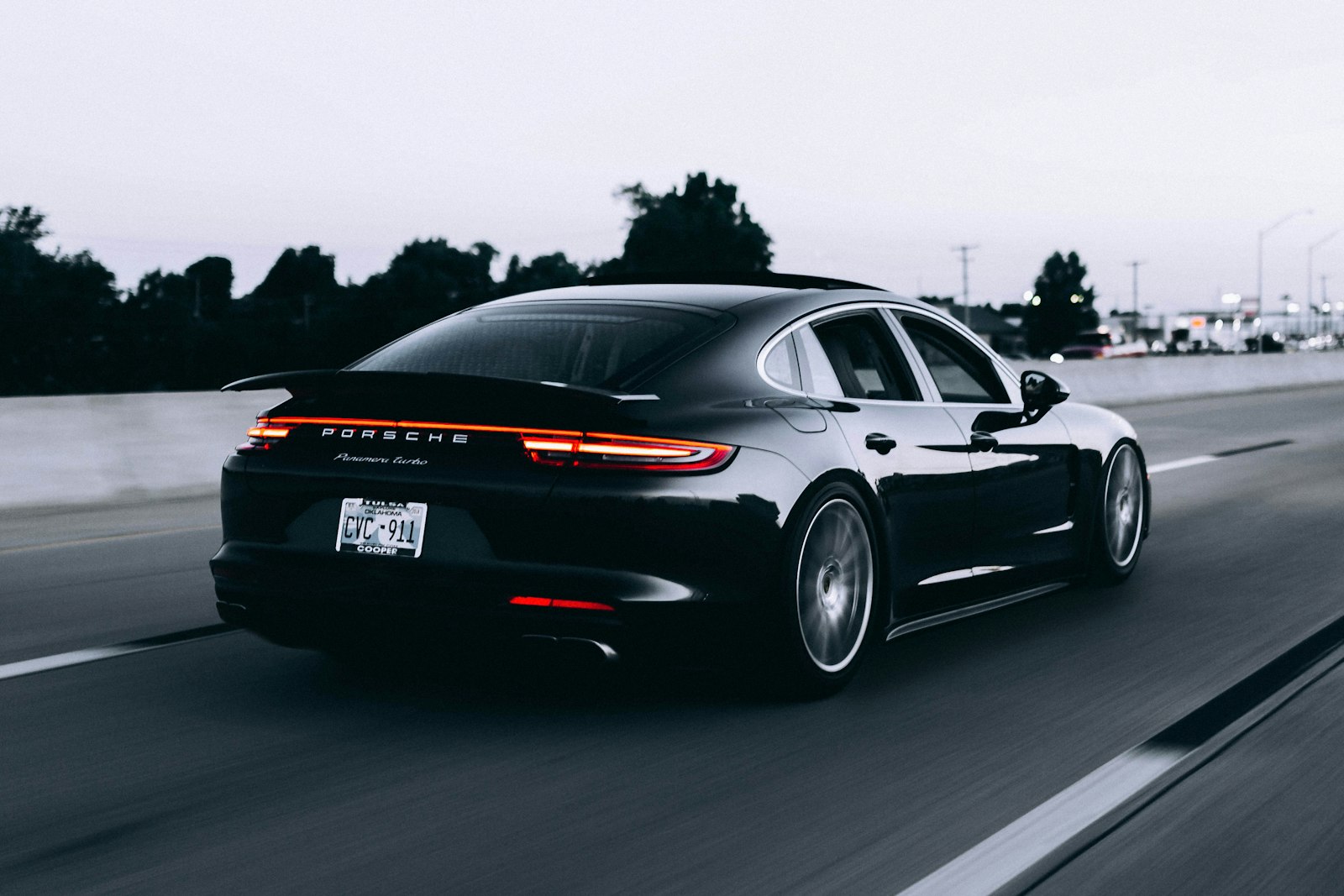
Adding satellite radio to your car is one of the easiest upgrades you can make. Whether you bought a vehicle that already includes a factory tuner or you're installing an aftermarket receiver, the setup process boils down to three things: hardware, antenna placement and activation. This guide walks through each one in plain English so you can be listening within an hour.
Step 1: Confirm What You Already Have
Before buying anything, check whether your vehicle is already satellite-ready. Many cars built after 2010 ship with a factory tuner that simply needs to be activated. Look for a 'SAT' or 'XM' button on the head unit, or scroll through the audio source list. If you see channel 0 or 1, you have a tuner — you just need a subscription.
If your car has no tuner, you'll need an aftermarket receiver. The two main options are a built-in receiver that integrates with the head unit and a portable plug-and-play receiver that mounts on the dash.
Step 2: Choose the Right Receiver
Plug-and-play receivers are the easiest path. They draw power from the 12V outlet, broadcast audio over a short-range FM signal or a 3.5mm AUX cable, and take about ten minutes to install. Built-in receivers offer better audio quality but require professional installation in most vehicles.
- Plug-and-play (e.g. Onyx EZR, Roady BT) — easy DIY install, portable between cars
- Vehicle dock kits — semi-permanent, hide cables behind the dash
- Hideaway tuners — fully integrated, controlled through the head unit
Step 3: Mount the Antenna
Antenna placement is the single most important factor in signal strength. The magnetic puck antenna should sit on a flat metal surface with a clear view of the southern sky. The roof is ideal. The trunk lid is acceptable. Inside the cabin on the dash works only if the windshield is not metallized.
Run the antenna cable along the door seal — gently tucking it under the rubber gasket — down the A-pillar trim and across to the receiver. Avoid sharp bends and never pinch the cable in a hinge.
Step 4: Power and Audio
Plug the receiver into the 12V outlet. If you used the FM transmitter method, find an empty FM frequency in your area (88.1 or 88.3 are usually clear) and tune both the receiver and the car stereo to that frequency. For better audio, use the 3.5mm AUX input if your car has one.
Step 5: Activate Your Subscription
- Tune the receiver to channel 0 or 1 to display the 12-digit Radio ID
- Write down the ID — you'll need it for activation
- Visit the provider's activation page or call customer service
- Choose a plan and enter the Radio ID
- Wait 5–15 minutes while the activation signal is sent over the air
If channels don't unlock automatically, park outside with a clear view of the sky and tune to channel 1. The receiver needs an unobstructed satellite signal to receive the activation packet.
Common First-Day Issues
- No signal indoors — this is normal, drive outside to complete activation
- Audio static on FM transmitter — try a different empty FM frequency
- Receiver doesn't power on — check the 12V outlet with another device
- Channels lock after a few minutes — your subscription hasn't fully activated yet, give it up to 24 hours
Final Tips
Keep your Radio ID somewhere safe — you'll need it again every time you change plans, transfer service or troubleshoot a billing issue. Most listeners are surprised at how clean the install can look once the cable is properly tucked. Take your time on antenna placement and the rest of the setup is straightforward.
Need help with this?
Our team can walk you through setup, activation or troubleshooting on a quick call.
Call +1 (877) 513-0191Related guides

Complete Beginner Guide to Satellite Radio
Never used satellite radio before? Here's everything you need to know about how it works, what it costs and whether it's worth it in 2026.

How to Install XM Radio Receiver at Home
Bring satellite radio into your living room, kitchen or office with a simple home dock setup — no professional installer needed.

How to Connect XM Radio to Home Stereo
Step-by-step instructions for wiring a satellite receiver into a home stereo or AV receiver — analog or digital.